
Verifying Webhook Signatures
Every delivery to a workspace webhook endpoint is signed, so your server can prove the request came from MeetStream and not an impostor. Verification takes about ten lines of code.
Where the secret comes from
When you create an endpoint on the Webhooks page, MeetStream generates a webhook secret and shows it once:
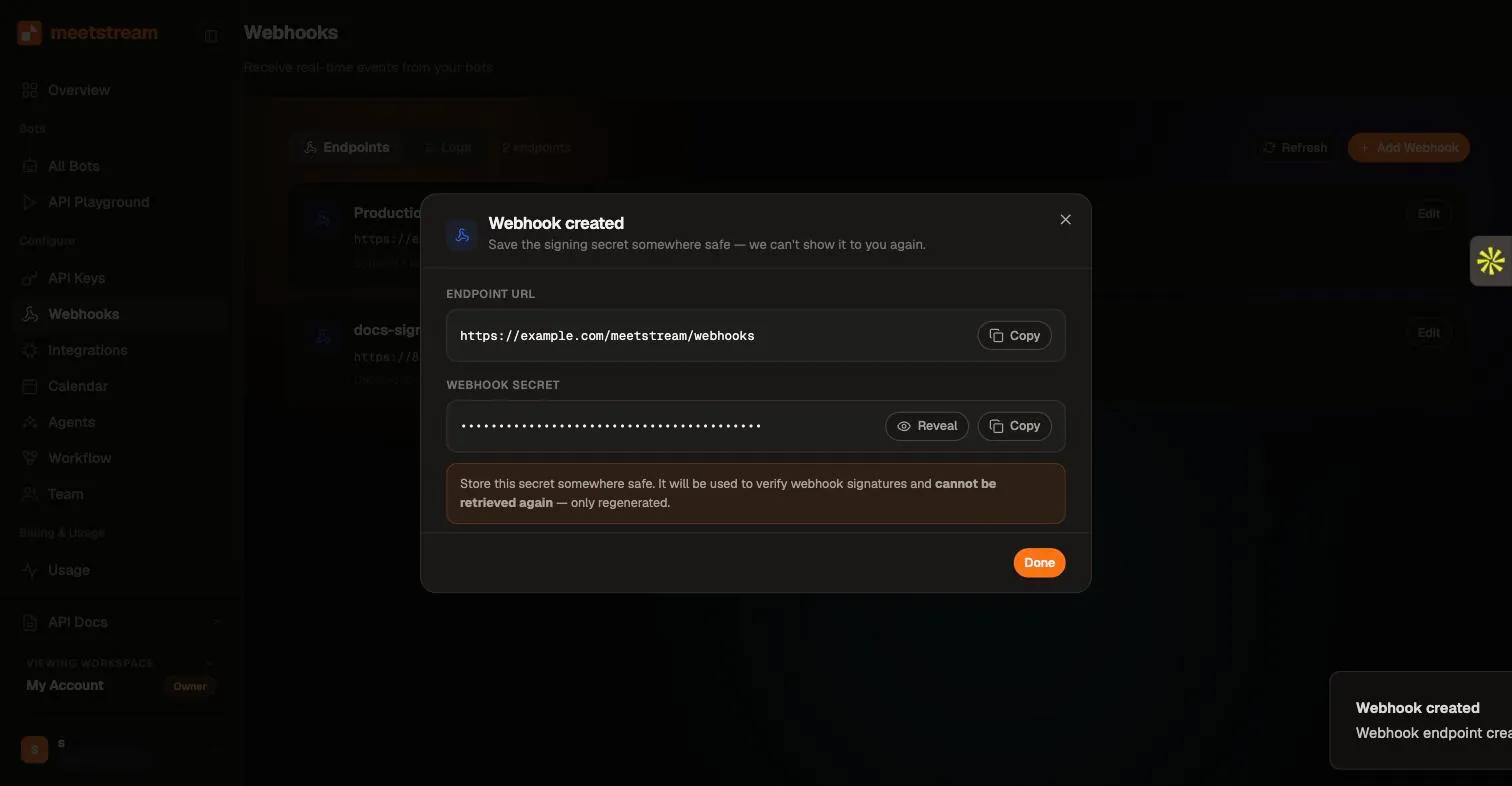
Store it in your secrets manager immediately — it cannot be retrieved again, only regenerated (which invalidates the old one).
What a signed delivery looks like
A real delivery, captured live:
X-MeetStream-Signature—sha256=followed by the hex HMAC-SHA256 digest of the raw request body, keyed with your endpoint’s secret.X-MeetStream-Timestamp— ISO 8601 time of the delivery, for replay-window checks.
Signatures apply to workspace webhook endpoints (created in the dashboard). Deliveries to a per-bot callback_url passed on create_bot are not signed — if you need authenticated deliveries, receive events through a workspace endpoint. You can still route per-bot using the custom_attributes echoed in every payload.
Verify in Python
Compute the HMAC over the raw body bytes exactly as received — do not parse and re-serialize the JSON first, or the digest will not match. In frameworks that eagerly parse JSON (Express, FastAPI), read the raw body before any body parser runs.
Verify in Node
Best practices
- Reject on failure with a 4xx and log the event — a failed signature on a real endpoint is worth alerting on.
- Respond 2xx quickly and process async: delivery is best-effort and non-2xx responses are not retried.
- Rotate by regenerating the secret in the dashboard when a secret may have leaked; update your server before regenerating to minimize the gap.
- During local development,
meetstream listenplus a tunnel gets you receiving events in seconds — see Set Up Local Server for Webhook.