Workspaces
Separate environments, keys, and teammates under one account
Your MeetStream account is organized into workspaces — each with its own API keys, bots, webhooks, and usage. That makes workspaces the natural unit for separating environments and teams.
What’s scoped per workspace
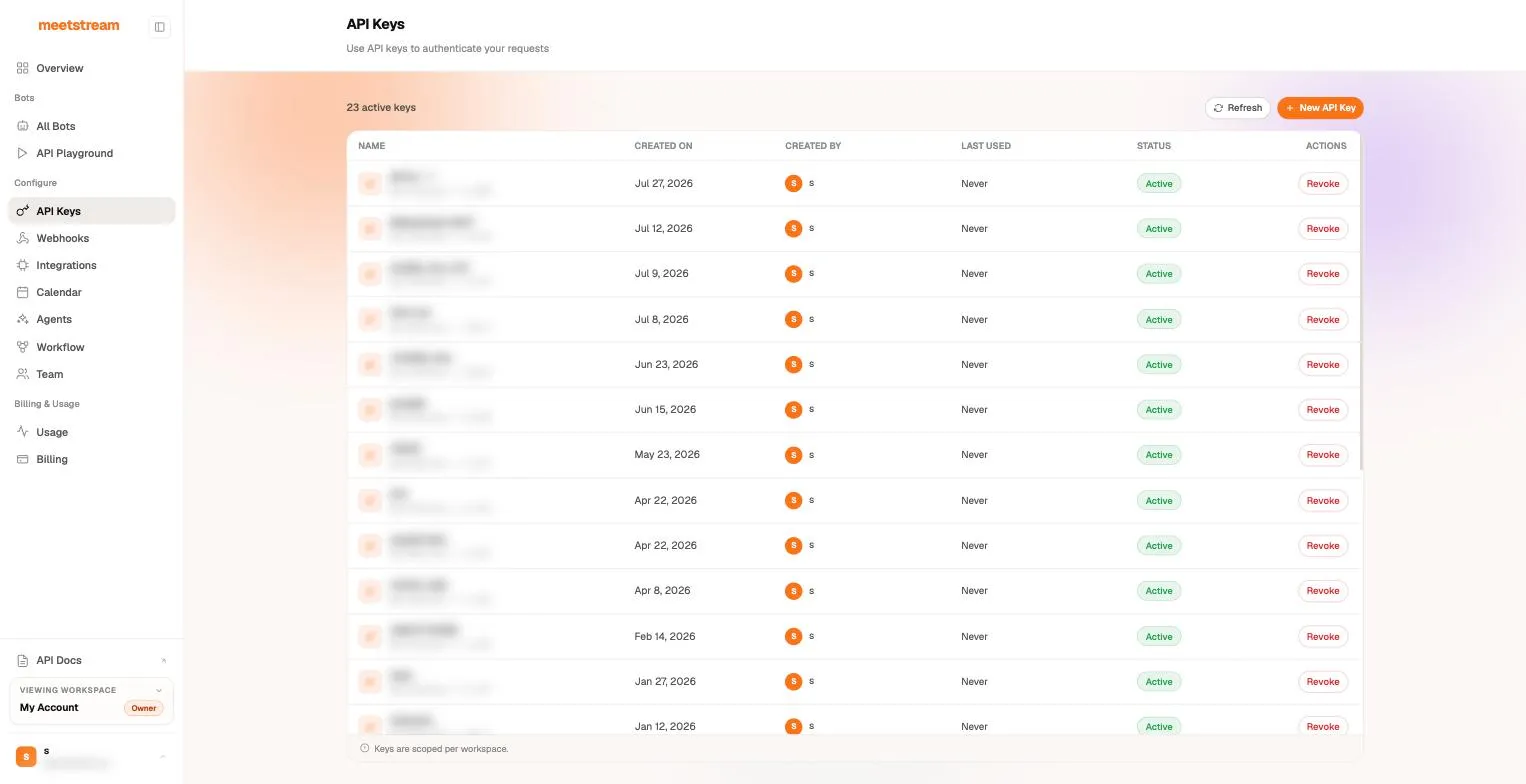
- API keys — keys are scoped to the workspace they’re created in (app.meetstream.ai/api-key); a key from one workspace can’t touch another’s bots. Live and test keys are visually distinct (
ms_live_sk_.../ms_test_sk_...). - Bots and their artifacts — the All Bots view, recordings, and transcripts.
- Webhook endpoints — workspace webhook endpoints deliver events for that workspace’s bots.
- Usage — the Usage view reports per-workspace consumption, with per-bot API-key attribution.
The workspace switcher lives in the dashboard sidebar, and the Team page manages who has access.
Using workspaces as environments
The pattern that keeps staging accidents out of production:
- One workspace per environment (e.g.
Staging,Production). - Separate API keys per workspace, injected via your secret manager — never share keys across environments.
- Separate workspace webhook endpoints per environment, so staging events never hit production handlers.
- Within a workspace, use
custom_attributesfor finer-grained routing (per customer, per job).
Rotating and revoking keys
Keys are created and revoked on the API Keys page. Revocation is immediate — create the replacement key first, roll it out, then revoke the old one.